


PodHerd PodHerd

Every moment of your podcast,
found.

Turn your back catalogue into a bigger audience. New listeners find you on Google, in AI answers and in clips your fans share. PodHerd does this by giving every episode its own page, with every moment timestamped and linkable. Fans can clip moments and share chapters, and PodHerd shows you which moments bring people in.

"A powerful way to inject new life into a large back catalogue."
Greg Carlwood · Host/Producer, The Higherside Chats
podherd.com/htgd
PodHerd Dashboard
The problem

Your best moments are buried at minute 47.

  1. 01

    Google and ChatGPT can't hear you.

    Someone is searching for an answer you gave in an episode, but there's no text or link that leads them to it.

  2. 02

    Fan shares grow someone else's platform.

    When a listener shares a moment on Spotify or YouTube, that platform gets the traffic, not your site.

  3. 03

    You're guessing.

    You don't know which topics people search for, or which old episodes could be bringing in new listeners.

"My listeners see PodHerd as a great resource. It's fast, and helps them find exactly what they're looking for. For me, it's a powerful way to inject new life into a large back catalogue. I use it myself all the time as a reference tool, and I absolutely recommend it to other podcasters."
GC
Greg Carlwood
Host/Producer · The Higherside Chats Podcast
How it works

Your first episodes go live within 24 hours.

See PodHerd in action
  1. 1

    Connect your RSS feed

    PodHerd imports every episode in your feed and adds new ones as you publish them.

  2. 2

    Every episode gets a page

    PodHerd transcribes each episode and splits it into chapters, topics and timestamps that search engines and AI assistants can read. PodHerd hosts the pages, or you can put them on your own domain from Grow the Herd up.

  3. 3

    Listeners share it

    Anyone can clip a moment into a captioned video. Every clip gets its own page on your site, linked to the full episode.

  4. 4

    See what works

    See which pages people land on, what they search for on your site, and which sites sent them, ChatGPT and Perplexity included. From Grow the Herd up, see how often each episode shows up in Google search and how often people click it.

Proof you can see

See what's working.

SEO performance
Visits
4,518
Unique visitors
3,240
Search clicks
612
Impressions
18,400
Daily visits
329 visits on 28 Oct, after a clip was shared on Reddit
Example data. Your dashboard shows your own show.
  1. Google Search Console

    How often Google showed your show and how often people clicked, plus the searches it turns up for.

    Grow the Herd and up
  2. Where your listeners come from

    See which sites sent people to your show, including Google, ChatGPT, Perplexity, Reddit threads and newsletters.

    Every plan
  3. What people search for on your site

    Every search typed into your show's search box, and which ones found nothing, so you can see the gaps in your archive.

    Every plan
  4. Which old episodes bring in listeners

    See which episodes in your back catalogue still bring visitors to your show.

    Every plan
Fan clips

Your listeners do the marketing, and every share links back to your site.

Listeners can clip any moment into a captioned video, even from an audio-only show. PodHerd burns the subtitles in over your episode or show artwork, ready for Reels, Shorts, YouTube or X.

A clip shared from Spotify sends people to Spotify. A clip made on PodHerd gets its own page on your site, linked to the full episode, so each share brings listeners to you and gives search engines another page to index.

  • ✓No video footage needed
  • ✓9:16 and 16:9 exports
  • ✓PodHerd writes the subtitles for you
Export formats
9:16
Reels · Shorts
16:9
YouTube · X
Pick a moment in the transcript and PodHerd turns the audio into a captioned video.
Clip and share analytics

Know which moments to post next.

PodHerd counts the views on every clip and shared chapter, and records the site each viewer came from. You see which moments catch on and where, so you can post more of what works in the places it works.

  • ✓Downloads and shares for each clip, as well as views, charted over time
  • ✓Every clip a listener has made, so you can spot your biggest fans
  • ✓Add ?ref=newsletter to a link you post and its views show up as "newsletter"
  • ✓Included on every plan
Analytics
Clips made by listeners
38
Views
2,140
Most viewed clips
  • The one question every guest dodges612
  • Why your trailer matters more than episode one388
  • Ranking for your own show name241
Top sources
  • (direct)812
  • instagram.com506
  • youtube.com377
  • x.com254
  • reddit.com191
Example data.
Ask the Archive
New

Your listeners ask. Your archive answers.

Listeners ask a question in plain English and get an answer written only from your episodes. Every point links to the moment it was said, and tapping a citation plays that clip on the page.

  • ✓Answers come only from your show, never the wider web
  • ✓Every claim cites the source episode and timestamp
  • ✓Cited clips play on the same page
  • ✓Listeners can share an answer with a single link

Included with Grow the Herd (100 questions a month) and unlimited on Lead the Herd.

Ask How to Get Discovered
Real answer
What are the benefits of PodHerd creating a page per episode?

PodHerd gives every episode its own searchable public page, and the benefits are all about making your show findable, usable and measurable in ways a plain episode feed cannot.

The core benefit is discoverability for people who have never heard of you. Each page is transcribed, broken into AI-generated chapters and topics, and tied to timestamps. This means a stranger searching for a specific question can land on the page and jump straight to the minute where the answer is discussed [1][2]. The page reads like an article with a player attached, which helps both search engines and AI assistants treat it as useful content [2–3].

Because the pages live on a domain you own (or that PodHerd hosts for you), you get Google Search Console integration (from the Grow the Herd Up tier onwards) that shows you, episode by episode, which searches brought people to the page, how often it appeared, and how often someone clicked [4]. You also see the near-misses — searches where your page turned up but nobody clicked — which tells you you have the right topic but the wrong title [5].

On every tier, the analytics show you which pages people actually land on (often not the episodes you expect) and the sites that sent them there — Google, ChatGPT, Perplexity, Reddit threads, newsletters — giving you a concrete picture of where your audience is coming from [5–6].

On the Grow the Herd and Lead the Herd tiers, there is an extra benefit: Ask the Archive. A listener who lands on an episode page with a question in their head can type it and get an answer drawn directly from your episodes, with citations that play the exact moment the guest said it [7].

Sources
  1. 1 The Episode That Won't Die 00:08:30–00:09:09
  2. 2 When ChatGPT Recommends Your Show 00:08:32–00:09:09
  3. 3 When ChatGPT Recommends Your Show 00:07:48–00:08:31
  4. 4 Whose House Are You Building 00:09:46–00:10:28
  5. 5 Compounding 00:08:46–00:09:26
  6. 6 Compounding 00:08:03–00:08:46
  7. 7 When ChatGPT Recommends Your Show 00:09:51–00:10:34

A real answer from How to Get Discovered, our own show on PodHerd. Answers are AI-generated from the show's transcripts. Tap a citation to hear the moment it came from.
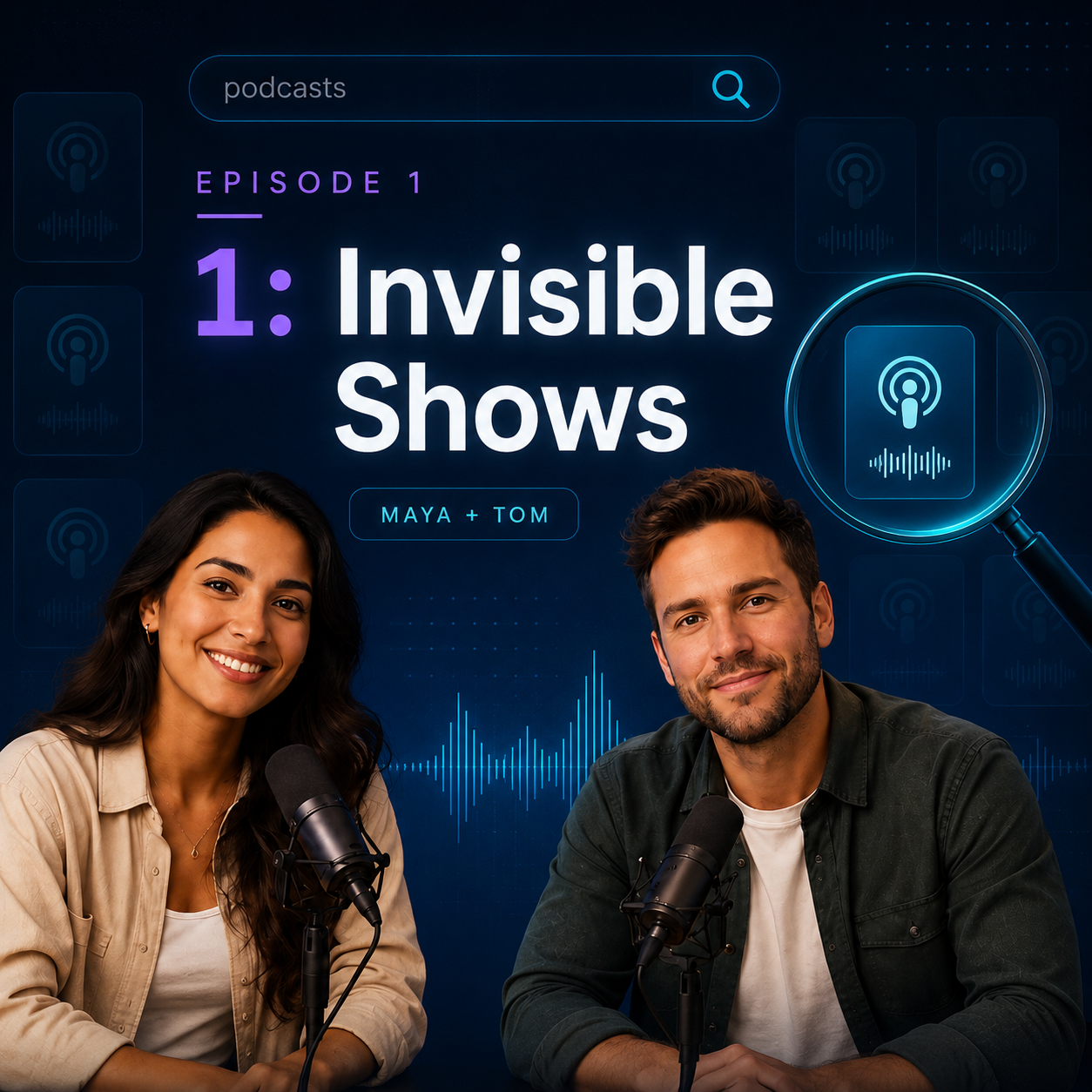
Try it yourself

Try PodHerd on our own podcast

"How To Get Discovered" is our show about getting a podcast found by Google and AI assistants. We write the episodes and the voices are AI-generated. Every episode runs on PodHerd the same way yours would, so you can try every listener feature on real episodes before you sign up.

How To Get Discovered — live on PodHerd
What to try
  • →Search the back catalogue. Type a topic and get the parts of each episode that cover it.
  • →Look up a topic. Open Topics to see what the show talks about most, then pick one to see every episode that covers it.
  • →Ask the archive. Ask a question and get an answer from the episodes, with links to the moments it came from.
  • →Jump between chapters. Go to the part of the episode you want.
  • →Make a video clip. Pick any moment and export a captioned video for social media.
  • →Share a link. Copy a link to an episode, a single chapter or a video clip.

Find out which moments of your show people are already searching for.

Connect your RSS feed and PodHerd builds a page for every episode, with a link to every moment in it. Search engines, AI assistants and your listeners can all find those pages. The first 7 days are free.